

All creation information and copies in systems we or our processors control are removed within 36 hours from upload starting, or prompt submission without an upload. Inputs, outputs and related records share the deadline. Completion does not reset it. Files you export independently are outside that storage.
Coming soon for Android
Give your imagination
a little sunshine.
A photo can be a beginning. A template can spark an idea. Discover a brighter way to explore images and motion with Sun Bloom.
Original artwork imagined for this website. These are visual concepts, not app screenshots, available templates or results made with Sun Bloom.
Small starts. Fresh directions.What will you
What will you
bring to life?
Four creative tools, with plenty of room for your own point of view. Pick a starting point and see what feels like you.
01Image to videoFor a picture with somewhere to go
For a picture with somewhere to go.
Take an image you choose and explore it in motion. A familiar photo can become the start of a different feeling, a fresh direction or an idea you want to keep exploring.
Choose an image through Android’s Photo Picker, use the options shown in the app and review the generated result.
Part of Sun Bloom · Coming soon
02Video templatesA starting point for your next moving idea
A starting point for your next moving idea.
Explore the video templates available in the app and find a direction that catches your eye. Bring your own source material into a visual idea that already has a starting point.
Actual templates and their image requirements are shown in the app. The imagery on this website is concept artwork.
Part of Sun Bloom · Coming soon
03AI imagesLet an unexpected idea take shape
Let an unexpected idea take shape.
Give your imagination something visual to work with. Explore a different color, composition or atmosphere through AI image creation, then decide which result feels right for your idea.
AI results can vary. Look closely at your creation and check that you have the rights needed before sharing it.
Part of Sun Bloom · Coming soon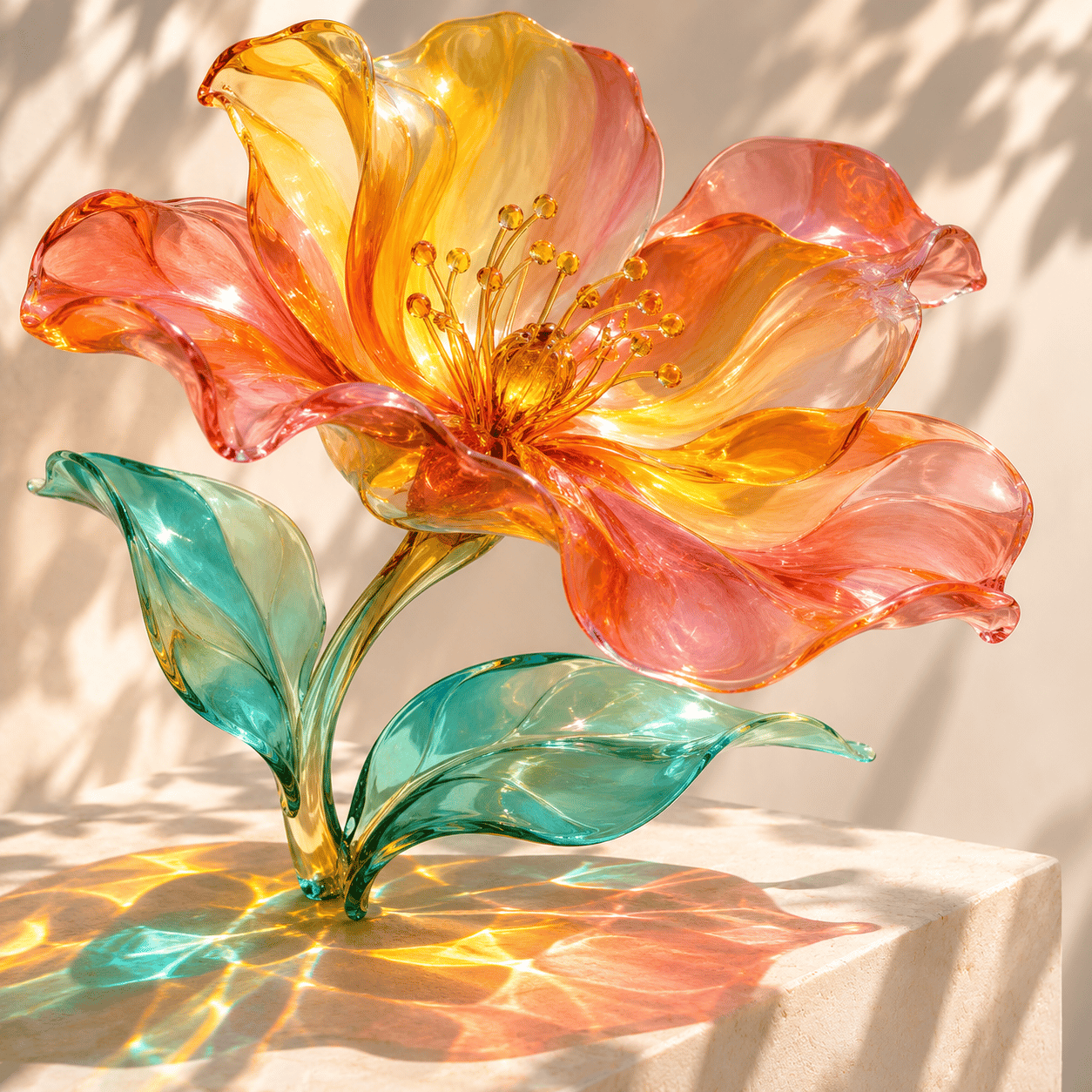
04Image templatesFind a look, then bring your own perspective
Find a look, then bring your own perspective.
Start with an image template and make room for your material. A template can offer the first nudge toward a new composition without deciding the whole creative direction for you.
Choose an available image template in the app and follow its requirements to explore your own version.
Part of Sun Bloom · Coming soon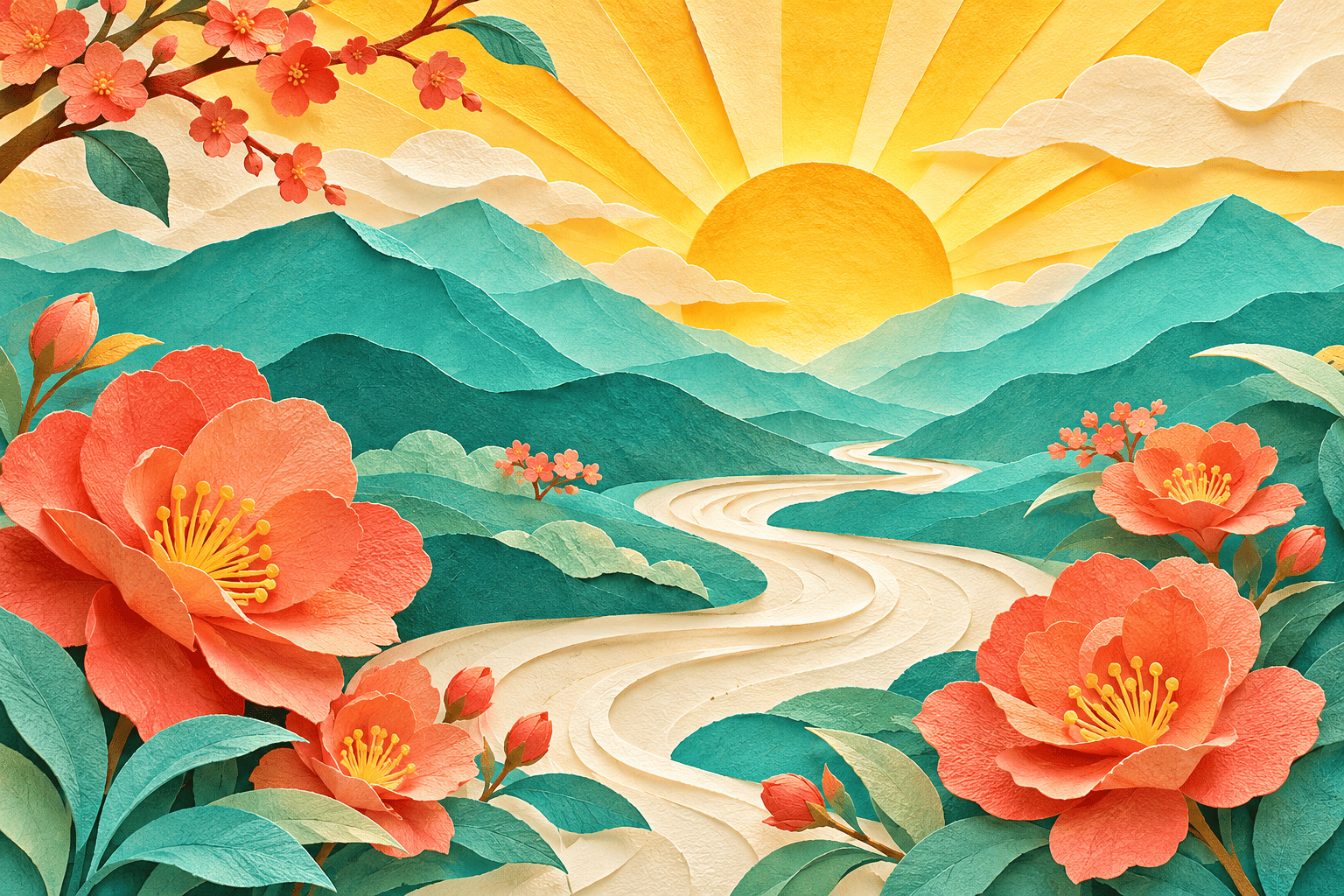
Original artwork imagined for this website. These are visual concepts, not app screenshots, available templates or results made with Sun Bloom.
A little curiosity goes a long wayMake space
Make space
for your next idea.
You bring the spark. Sun Bloom gives you different ways to explore it.
- 1
Start with something.
Choose an image using the system Photo Picker, consider an image idea or browse the templates offered in the app.
- 2
Try a new direction.
Explore the options for your chosen feature. Review the result carefully and decide whether it reflects what you had in mind.
- 3
Save your favorites.
Check before you share. Export anything you want to keep before the original 36-hour creation-data deadline.
The Sun Bloom idea gardenA few things
A few things
to brighten your scroll.
Original portraits, imagined places and playful objects. 12 visual concepts, each with a different story to suggest.
See every little possibility
Portraits
Fresh Perspective

Places
Somewhere Warmer

Objects
Color, Collected

Portraits
The Sunny Side

Places
Take the Scenic Way
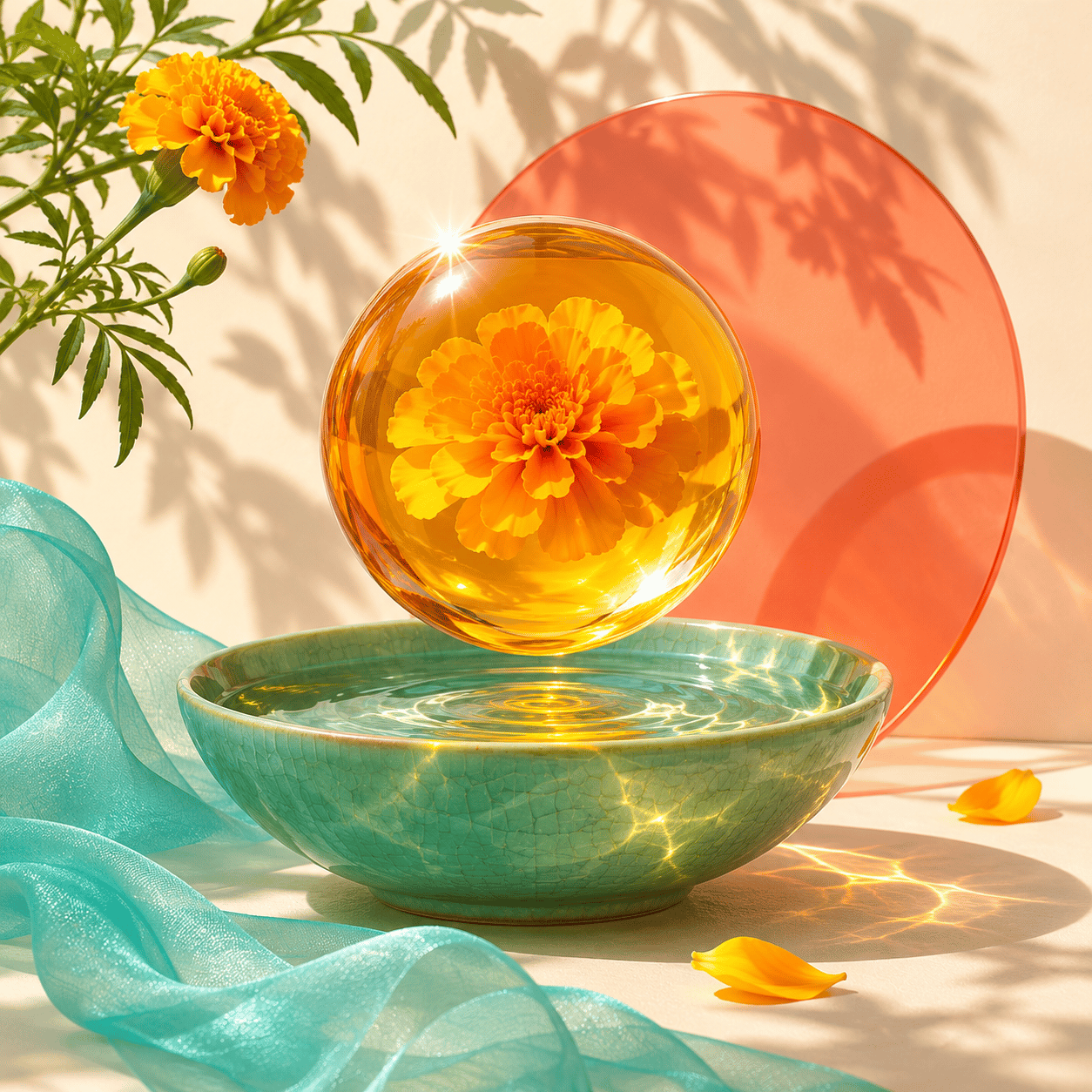
Objects
A Small Sun
Original artwork imagined for this website. These are visual concepts, not app screenshots, available templates or results made with Sun Bloom.
Your ideas stay out of AI training.
We do not use user information to train AI. Generation is self-hosted, with no third-party AI generation, facial recognition or biometric identity extraction.
Your choice, without a login.
Request deletion in Personal Settings or independently by email. You can report content from its creation detail page inside the app.
How to request deletion →Good questions welcomeA little more
A little more
before you go.
Looking for something specific? Our help page has the contact details and next steps.
Can I download Sun Bloom yet?
Sun Bloom is still in development for Android. Google Play is coming soon. The official download link will be added here when the app is available.
Are these images made with the app?
The images on this website are original visual concepts made for the website. They are not app screenshots, templates available in the app or results generated by Sun Bloom. They are here to offer a little creative inspiration.
Do I need to register or log in?
No. Sun Bloom does not require registration or login. You can also request data deletion through Personal Settings or independently by email without creating an account.
How do I report content or ask for deletion?
Use the reporting option on a creation’s detail page inside the app. For deletion, use Personal Settings or email feedback@sun-bloom.app; these are independent routes. The full creation-data deadline still applies when information is included in a report or support request.
